Tips for Creating a Productive Home Office Environment
Creating a productive home office environment is essential for anyone working remotely or running a business from home. With distractions all around, it’s important to design a space that encourages focus, organisation, and comfort. Here are some useful tips to help you build a home office that supports your best work.
Choose the Right Location
Find a Quiet Spot
Start by selecting a quiet area of your home where you can work without interruptions. It could be a spare room, a corner in the living room, or even a section of the bedroom. Ideally, the space should be separate from common areas to minimise noise and distractions.
Consider Natural Light
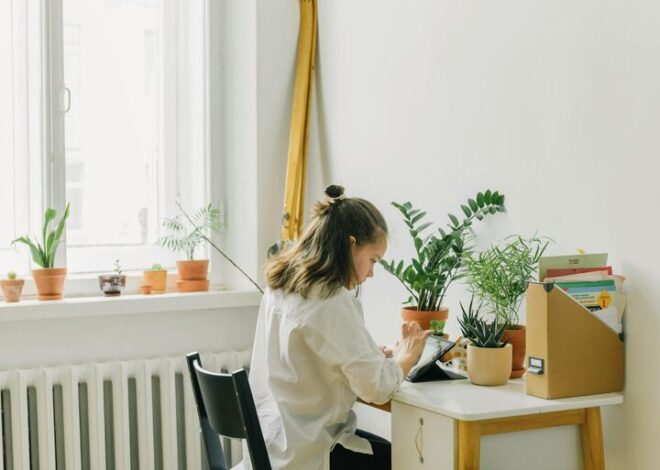
If possible, set up your desk near a window. Natural light helps improve mood and energy levels, making it easier to stay alert throughout the day. Make sure the light doesn’t create glare on your computer screen by positioning your desk thoughtfully or using curtains and blinds.
Invest in Comfort and Ergonomics
Choose a Supportive Chair
Spending hours sitting means a good office chair is a must. Look for one with adjustable height, lumbar support, and comfortable cushioning. Sitting properly can prevent back pain and improve your concentration.
Set Up Your Desk Correctly
Your desk should be at a height where your arms rest comfortably while typing. If you can, use a desk with enough surface area to hold your computer, supplies, and any documents. Consider a standing desk or a sit-stand converter to alternate positions during the day.
Ergonomic Accessories
To reduce strain, use an external keyboard and mouse if you work on a laptop. Position your screen at eye level using a stand or stack of books. Wrist supports, footrests, or a desk lamp with adjustable brightness can also improve comfort.
Organise Your Workspace
Declutter Your Desk
Keep your workspace tidy by removing unnecessary items. Use desk organisers or trays to separate stationery and papers. A clutter-free environment promotes better focus and reduces stress.
Use Storage Solutions
Shelves, filing cabinets, or storage boxes can help you keep important documents and supplies out of sight. Clearly label files or folders so you can quickly find what you need without interrupting your workflow.
Manage Cables
Tangled wires can be distracting and hazardous. Use cable clips, sleeves, or ties to keep cords organised and out of the way.
Minimise Distractions
Set Boundaries
If you share your home with others, communicate your work hours clearly. Use signs or closed doors to signal when you shouldn’t be disturbed. Consider noise-cancelling headphones or white noise machines if background noise is an issue.
Limit Technology Interruptions
Turn off non-work notifications on your phone or computer. Use apps or browser extensions that block distracting websites during work periods to stay on task.
Personalise Your Space
Add Inspiring Elements
Decorate your home office with items that motivate you, such as artwork, plants, or photos. Greenery not only looks nice but can also improve air quality and reduce stress.
Maintain a Consistent Colour Scheme
Choose calming colours like blues, greens, or neutrals which can foster concentration. Avoid overly bright or harsh colours that may cause eye strain or agitation.
Establish Routines and Habits
Create a Daily Schedule
Set regular working hours to separate your professional and personal life. Include breaks to stretch, hydrate, or take a short walk to recharge.
Keep Essentials Within Reach
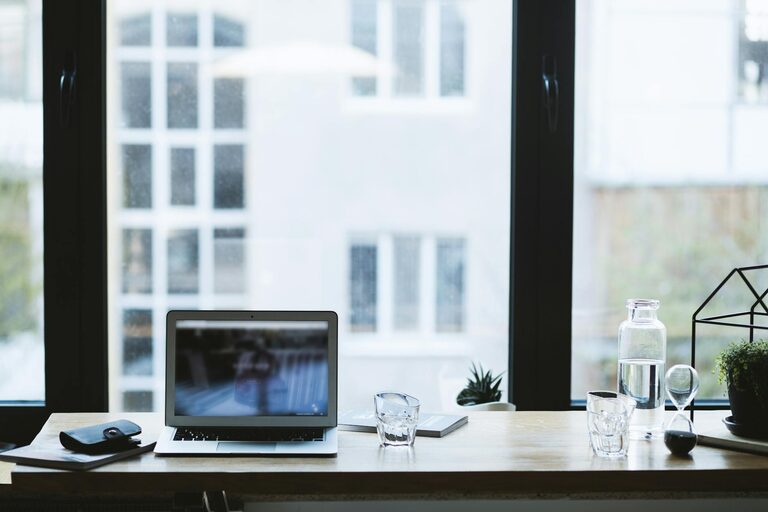
Keep frequently used items like pens, notebooks, or a water bottle nearby to avoid breaking your concentration.
Review and Adjust Regularly
Periodically evaluate your workspace and habits to identify what’s working and what isn’t. Flexibility and small changes can make a big difference in maintaining productivity.
Utilise Technology Optimally
Reliable Internet Connection
Ensure your internet connection is stable and fast enough for video calls or large downloads. If you experience issues, upgrading your plan or using a wired connection might help.
Productivity Tools
Make use of digital calendars, task managers, and collaboration platforms to organise your work and communicate clearly with colleagues.
Prioritise Health and Wellbeing
Maintain Good Posture
Remember to sit upright and take breaks to stretch. Small exercises or short walks can reduce stiffness and help keep your mind fresh.
Stay Hydrated and Nourished
Keep a water bottle at your desk and eat nutritious meals to support your energy levels throughout the day.
Manage Indoor Air Quality
Open windows when possible or use an air purifier to keep your workspace fresh and healthy.
—
Designing a productive home office environment requires a balance of functionality, comfort, and personal style. By choosing the right location, investing in ergonomic furniture, organising efficiently, minimising distractions, and prioritising your wellbeing, you can create a workspace that maximises your productivity and enjoyment. Taking the time to establish these habits will benefit your work performance and overall happiness while working from home.